Butter Motion plugin 1.5.0: A major style update
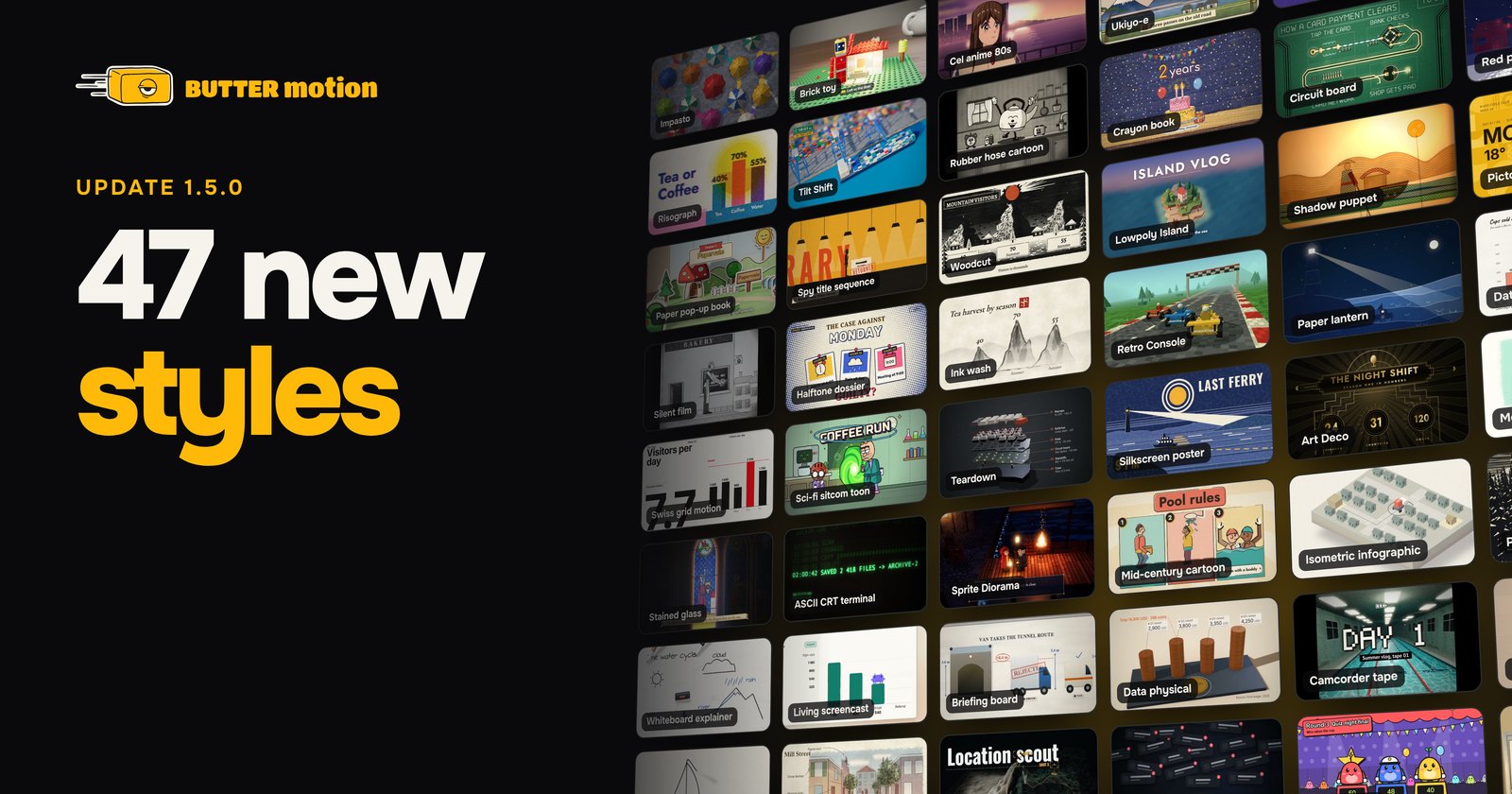
47 new styles
In the last update we promised more than 40 new styles. We added 47, and Animation now has 62 styles for any video. You can see every style in action here.
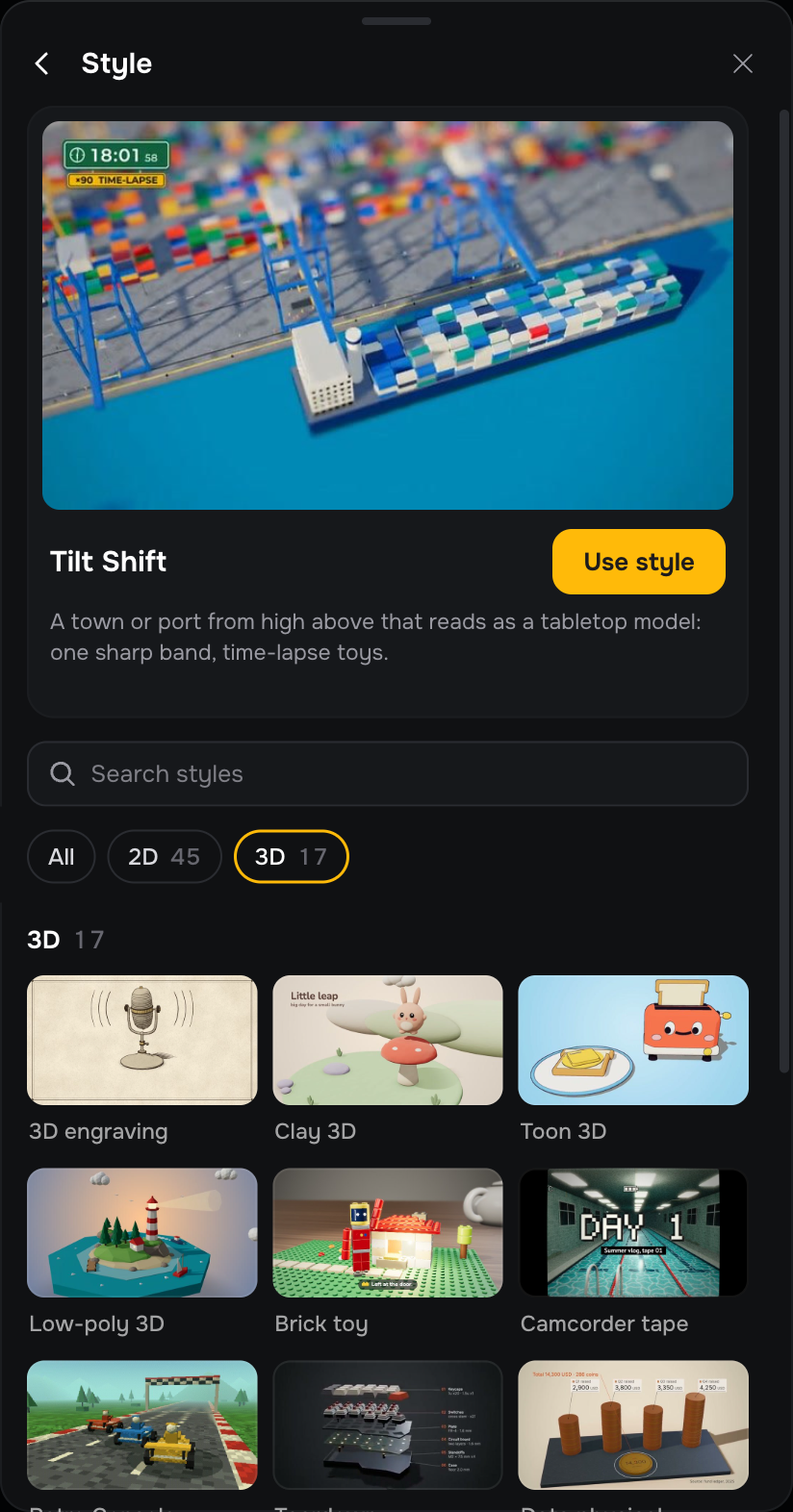
- 3D, 13 new: Tilt Shift, Brick toy, Paper pop-up book, Teardown, Retro Console, Lowpoly Island, Camcorder tape and more.
- Drawn & painted, 9 new: Impasto, Stained glass, Ink wash, Crayon book, Shadow puppet, Paper lantern and more.
- Print & paper, 6 new: Risograph, Ukiyo-e, Woodcut, Swiss grid motion, Silkscreen poster and Halftone dossier.
- Retro & cartoon, 9 new: Silent film, Cel anime 80s, Rubber hose cartoon, Game show, Spy title sequence and more.
- Type & screens and News & explainers, 10 new: Hologram HUD, Circuit board, Dark keynote, Whiteboard explainer, Data storytelling, Isometric infographic and more.
- The UI style can now do 3D. Write "3D" in your prompt, and a comment, notification or lower third becomes a 3D card.
- Auto now picks from the new styles too when you haven't chosen one yourself. There is no separate Freestyle tile anymore: when no style fits the prompt, Auto switches to Freestyle on its own.
- Find the style you need by searching its name or description.
Other improvements
- We updated the camera in every 3D style, and it moves more smoothly now. The new 3D styles get camera controls.
- The status line shows what the generation is doing right now: Picking the look, Writing the scene or Fixing what the check found.
- Butter Motion now checks whether any text overlaps other text and fixes it before showing you the generation.
- You can write the frame format right in your prompt, for example "9:16", and Butter Motion will offer to switch it.
- Double-click a control's name to reset that control to its default value.
- Fixed a bug where screens and pictures inside 3D scenes lost sharpness in close-ups.
- Fixed a bug where artifacts could appear on dark surfaces in realistic 3D scenes.
- Fixed shadow artifacts in some 3D styles.
Butter Motion 1.5.0 is out now. Download