Butter Motion plugin 1.3.0: A major update
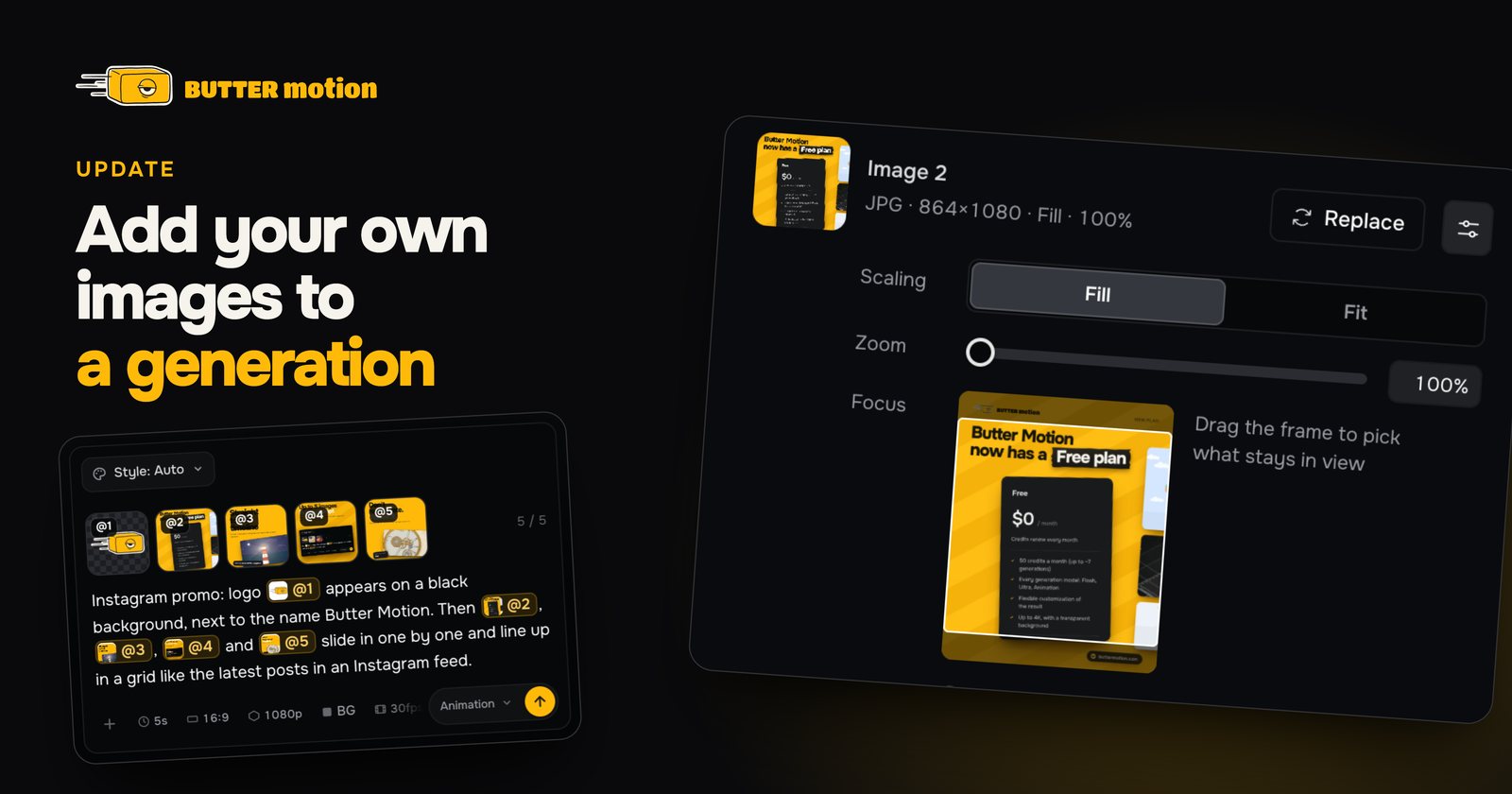
A reworked image system in generations
No more After Effects!
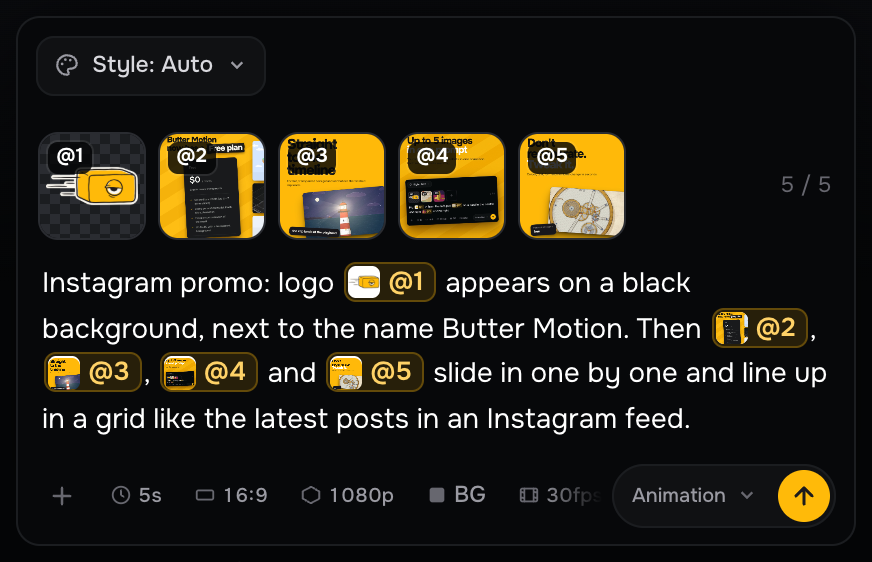
- You can now attach up to 5 images to one prompt. Each one gets its own tag from @1 to @5. Use a tag to say in your own words what to do with the image. For example: "Instagram promo: logo @1 appears on a black background, then images @2, @3, @4 and @5 line up in a grid like the latest posts on an account".
- Type @ to put an image right where you need it in your text, and click a tag to see the image in full.
- Works on every model: Flash, Ultra and Animation.
- All popular image formats are supported: .png, .jpg, .jpeg, .gif, .svg, .heic and more.
Full control of images in a generation
Adjust images freely, just like in Premiere Pro.
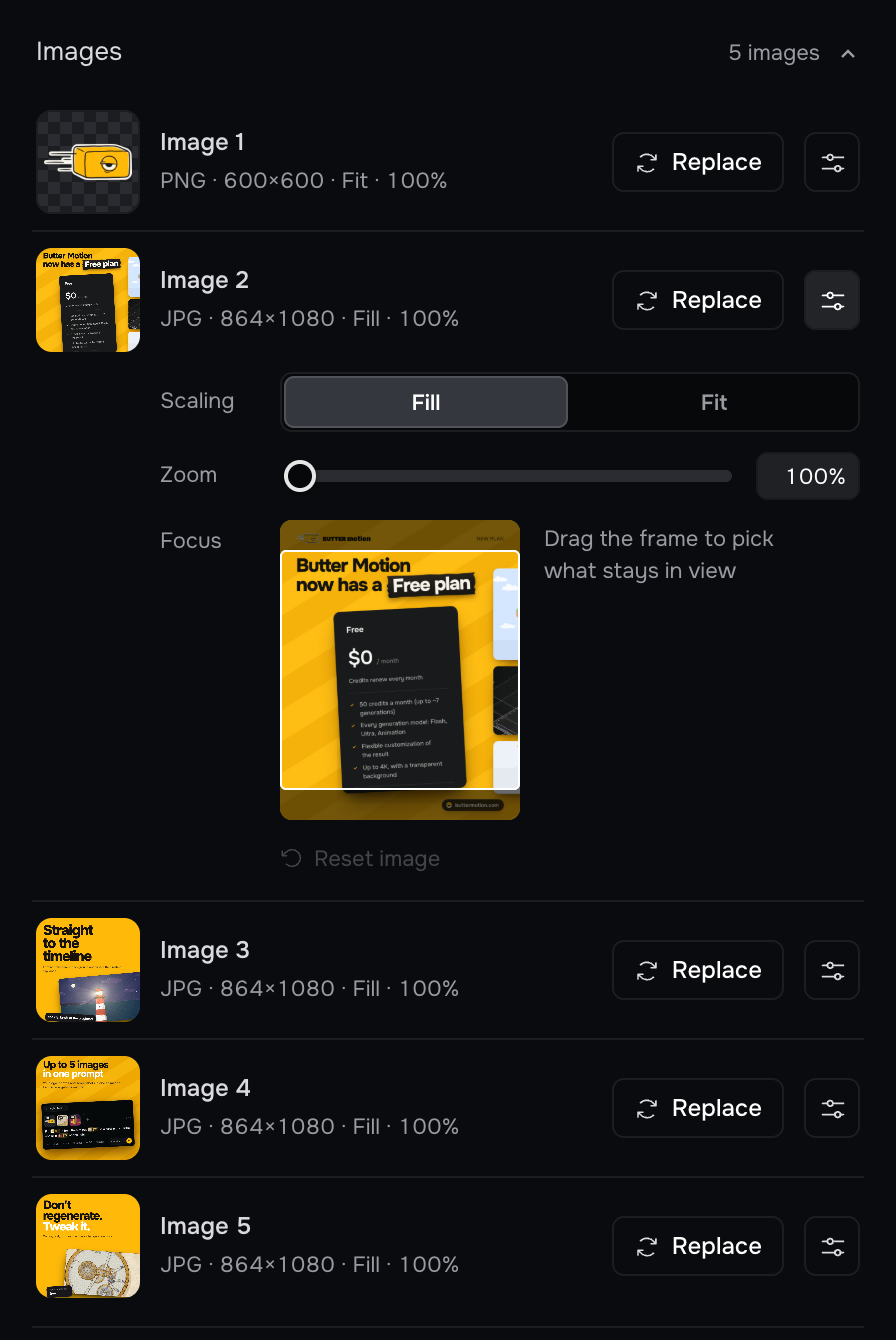
- If you added images to a generation, you can now control them in its controls. Every image in the clip gets its own row in Customize › Images with a Replace button: pick another file, it takes the same place and the generation adapts. All that is left is to render again.
- In Animation scenes, the settings button in the row opens Fill or Fit, zoom up to 300% and the Focus frame, which lets you choose the visible part of the image.
Updated tweaks
Generated at the wrong fps? Not a problem anymore.
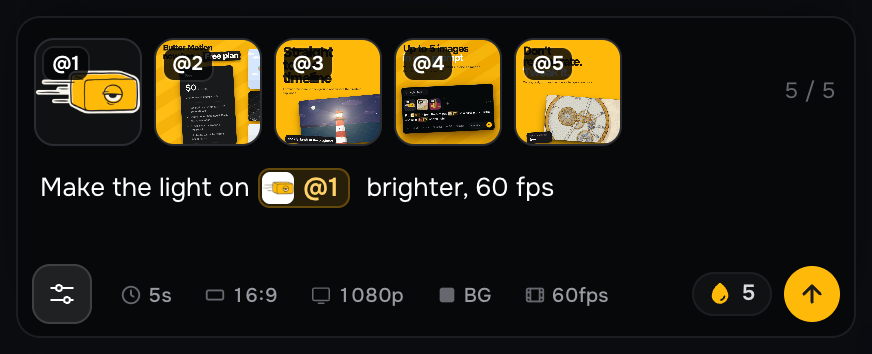
- You can now change the length, resolution, fps and aspect ratio of a finished generation. Open the generation card, go to the tweak field and click the settings icon.
- The settings in the tweak bar show the images added to the clip and the settings of the first prompt. You can add an image or refer to one, for example: "make the light on @1 brighter".
Other
- The Butter Motion engine handles reflections, studio light, fog, depth of field and light beams better.
- The Freestyle style on the Animation model has been reworked. 40+ new styles have been added (3D included), and keywords in your prompt can call them up. You can still describe a style of your own.
- Prompt hints: for example, if your generation is set to 30fps but your prompt says "Make a 60fps video…", the panel offers to switch the generation from 30fps to 60fps. Works with fps, resolution and video length.
- Faster sign-in when you reopen Premiere Pro.
- Fixed a bug where a currency chart could appear in a generation without being asked for.
- Fixed a bug where the video resolution icon was shown incorrectly.
Read more about the update in the article Add up to 5 images to a generation.
Butter Motion 1.3.0 is already available on all devices.