Promo codes
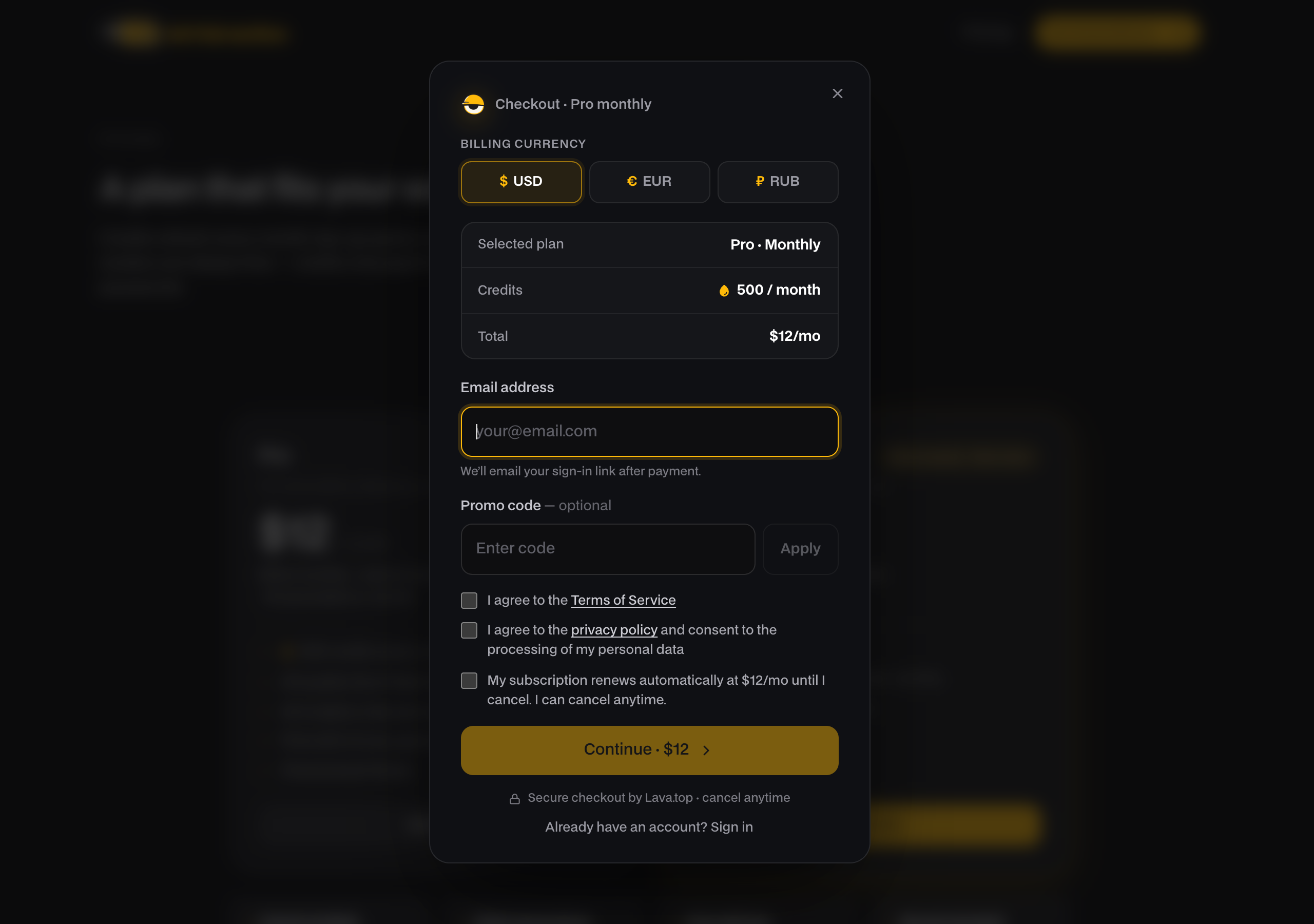
If you have a promo code, you enter it at checkout to get a discount on your purchase. It works for both plans and top-up packs.
Applying a code
- Start a purchase by picking a plan or top-up pack. The checkout opens.
- Type your code into the promo code field.
- Click Apply.
If the code is valid, the discount is applied and the new total is shown. Then finish paying as usual.
The discount holds when you change currency
You can apply the code first and then switch currency (USD / EUR / RUB). The discount percentage sticks, so you don't need to re-enter the code after changing currency.
If the code doesn't work
Apply checks the code against our database and tells you why it was rejected:
- Promo code not found. The code is mistyped or doesn't exist. Check for typos.
- This code has expired. The code's validity window has passed.
- Not valid for this purchase. The code only applies to certain plans or packs, and this one isn't covered. (Buying straight from the pricing page, the same answer reads "Not valid for this plan.")
One more answer can appear later, at the payment step rather than at Apply: "This promo code is no longer valid. Remove it and try again." That means the code was one-time or limited and has been fully used up by the time you paid. There's nothing to fix on your side. Remove it and pay at the regular price, or use a different code.
A note on very small totals
Every currency has a minimum charge. If a discount would push the total below that minimum, the payment provider raises it back up to the minimum. The checkout explains this when it happens.