The Renders tab
The Renders tab is your history of finished clips. Every time you render or insert a generation, the file lands here so you can find it again, drop it on the timeline, or clean it up later.
Finding a render
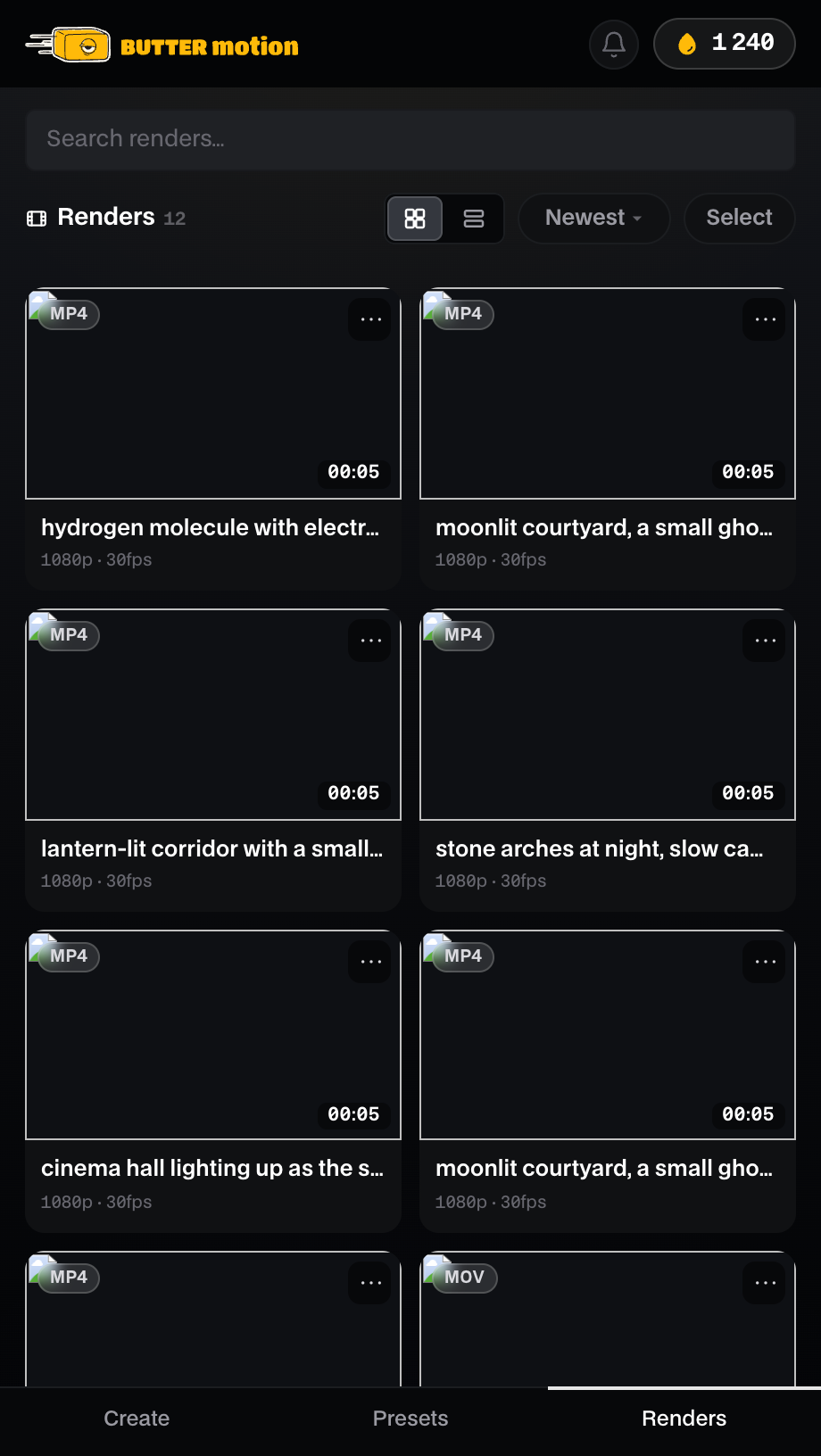
The tab lists every render you've made, newest first by default. To narrow things down:
- Search filters by name as you type in the «Search renders…» field.
- Grid or List switches between a preview grid and a compact list.
- Sort orders by Newest, Oldest, A-Z, or Z-A.
Each render shows its name, a preview with an MP4 or MOV badge and its duration, and a line of its settings (resolution, frame rate, and Alpha for a transparent clip).
What you can do with a render
Open a render or use its actions to:
- Drag it to the timeline pulls the clip straight onto your Premiere sequence.
- Insert on timeline puts it at the playhead without dragging.
- Show in Finder (Show in Explorer on Windows) reveals the file on disk.
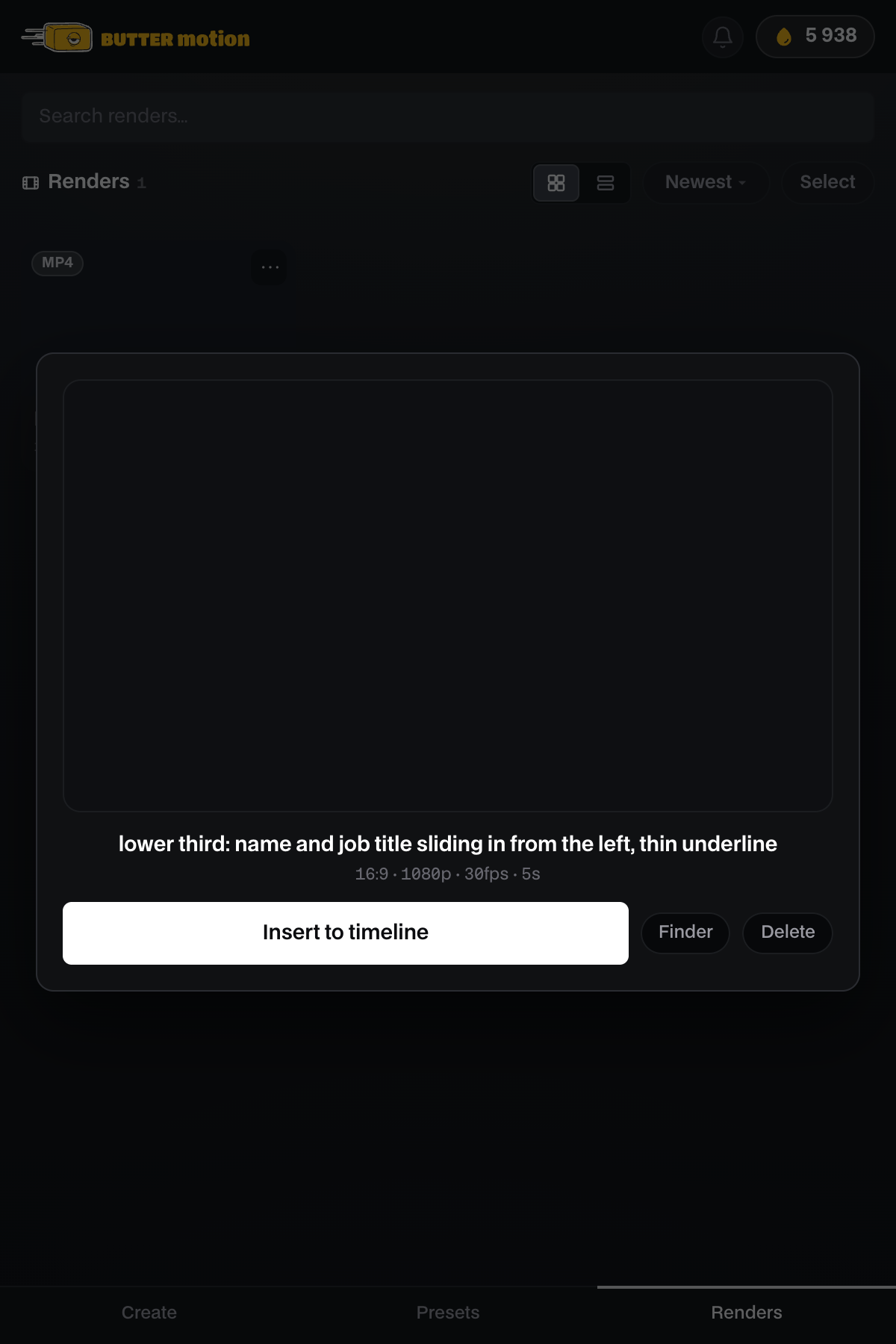
- Open plays it back in a viewer without leaving the panel. The viewer has Insert to timeline, Finder (or Explorer) and Delete buttons.
- Delete removes the render (the panel asks you to confirm first).
Select at the top picks several renders at once, so you can delete them together.
📝
The render history is stored locally on your computer, not in the cloud. Deleting a render here removes the file from disk, so only clear out clips you're sure you no longer need.