A generation failed
Sometimes a card comes back marked FAILED instead of a finished clip. The first thing to know: you didn't lose the credits. Butter Motion refunds a failed generation automatically. The AI checks every result, and if it can't produce a usable clip, the credits go straight back to your balance. You'll see the refund in your credit history.
So a failed generation costs you nothing but a retry.
Why it happens
Generation is an AI process running on shared infrastructure, and now and then it doesn't land:
- The AI is under heavy load and hits a rate limit.
- A network hiccup interrupts the request.
- The AI produced a clip that doesn't build or comes out as an empty frame. Butter Motion first repairs the build or generates again on its own, at no cost to you. If that still doesn't work, the generation is marked failed rather than handing you a broken clip.
None of these mean anything is wrong with your machine or your prompt. They're temporary. The fix is almost always the same: try again in a moment.
An edit failed vs. the whole generation failed
These are two different situations, and the panel handles them differently.
An edit failed on top of a working result.
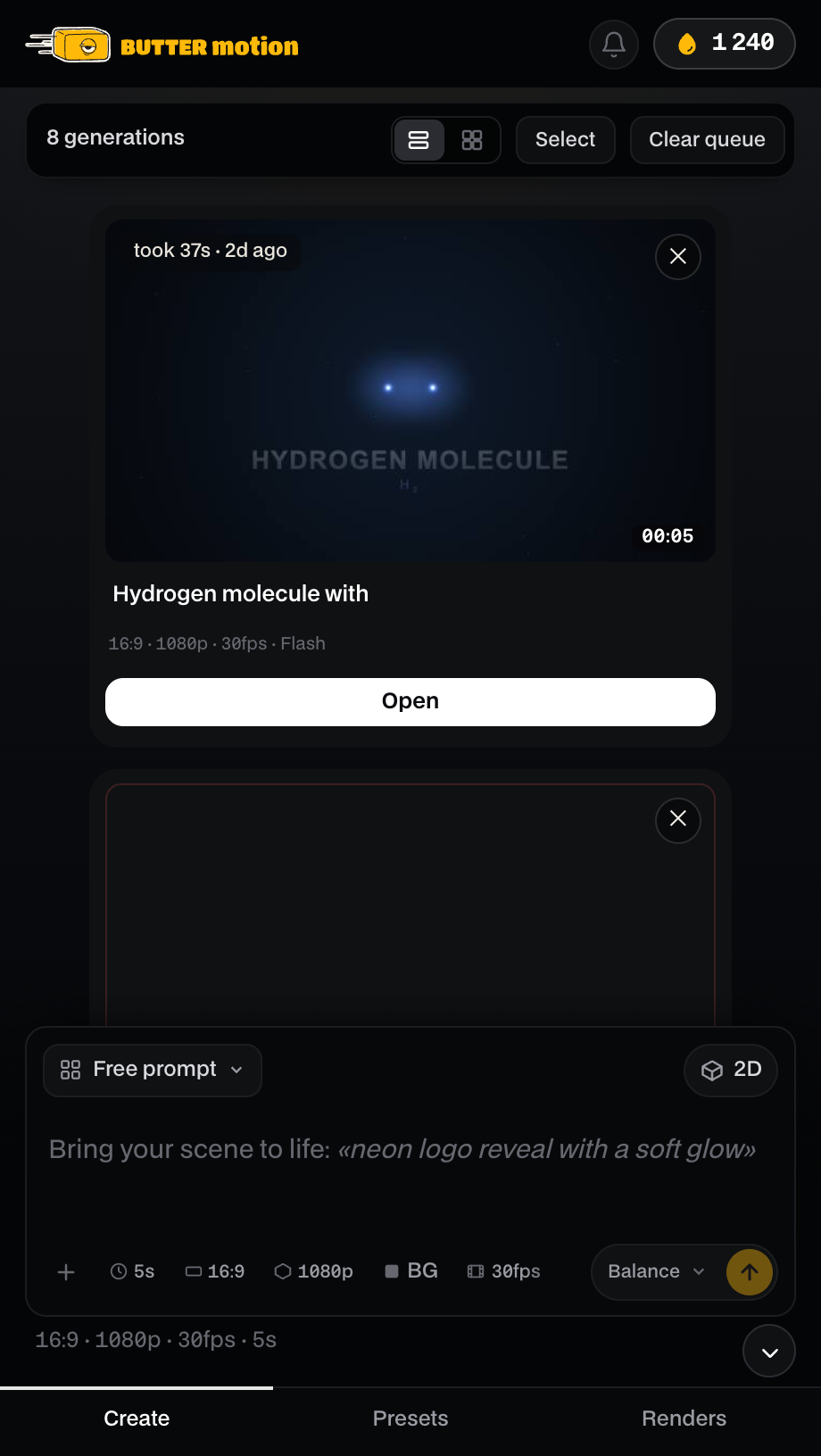
If you tweaked or customized a clip that already had a good result, and the edit didn't go through, your original clip is safe. The error appears when you open the card and clears the moment you close it. You'll see Got it to dismiss it, or Retry to try the edit again. Nothing is deleted, and the version that worked is still there.
The whole generation failed with no result. If the very first generation of a card failed and there's nothing to fall back on, clicking the card opens a small popup instead of an empty screen: Delete removes the empty card, Retry runs it again from scratch, and simply closing the popup leaves the card marked FAILED for later.
Three messages that work differently
Waiting for connection. The connection dropped after the server had already taken your generation, when your internet went down mid-run, for instance. This is not a failure: the server finishes the job and holds the result for you. The moment you're back online the plugin collects it on its own and the card comes to life without a single click. Credits for such a generation are not refunded, and rightly so: the work is done and it will reach you. That's why there is no Retry button here: running it again would pay for the same thing twice. In the feed the card is marked with a grey WAITING badge instead of a red FAILED one.
Two more messages appear when something goes wrong, and neither behaves like the failures above.
Request declined. The content policy turned down your prompt. This is not a technical failure, so it isn't refunded automatically: the credits are spent because the request did go through. There's no Retry button either, since sending the same prompt again would only get declined again. You'll see Delete to remove the card and Got it to dismiss the message. Reword the prompt and start a new generation instead.
No connection. The panel couldn't reach Butter Motion's servers at all. This is a different problem from Butter Motion isn't responding, which is about the part that works on your own machine, not the connection to our servers. Since the request never got through, no credits are charged. Check your connection and hit Retry.
What to do
- Check your balance. If the refund landed (it's automatic and near-instant), you're ready to retry at no extra cost.
- Hit Retry. Most failures are one-off and the second attempt succeeds.
- If it keeps failing, wait a minute or two and try again. The AI may be temporarily overloaded.
- Try lowering the quality tier or simplifying the prompt. Very complex scenes on Ultra ask more of the AI than a straightforward one on Flash.
A retry costs you nothing extra: a refunded failed generation never charged you in the first place. On Pro and Studio the first edit on every generation is free as well.
If it still won't work
If the same generation fails several times in a row over more than a few minutes, it may be a wider service issue on our side. Check whether the panel is showing a Temporary service issues banner. If it is, generations are being refunded automatically and you just need to wait for it to clear.
If there's no banner and it still won't generate, email support@buttermotion.com with your account email, what you were trying to generate, and roughly when it happened. See Contact support.