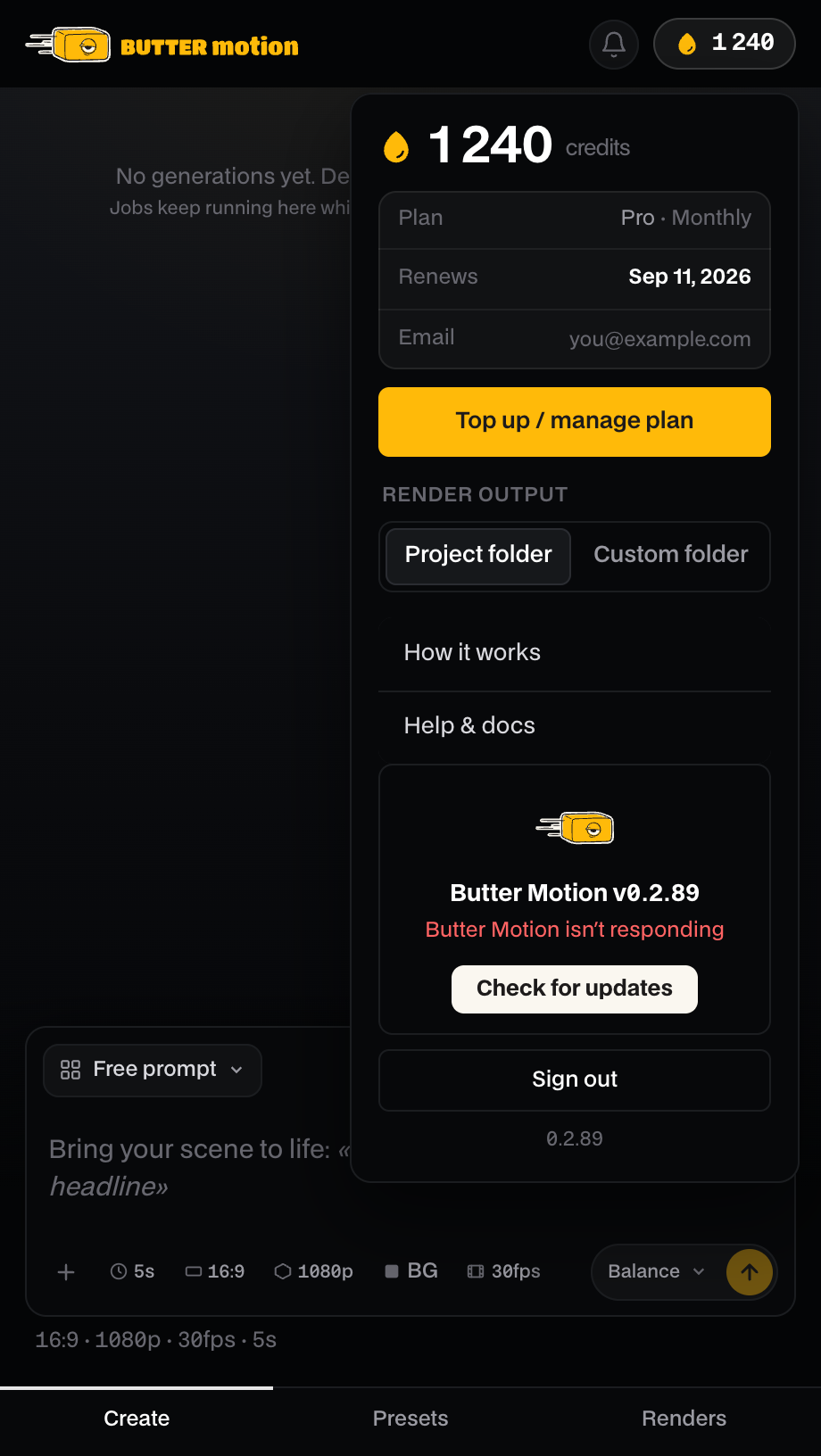
Butter Motion isn't responding
If the panel says Butter Motion isn't responding, it means the panel can't reach the part of Butter Motion that works in the background on your computer. Without it, generations and renders can't run, but the fix is usually quick.
Part of Butter Motion's work happens quietly in the background on your own machine: that's where each animation is built and where the final video is rendered. It starts by itself when you log in, and you never open it directly. When it stops answering, the panel tells you instead of failing silently.
You'll see Butter Motion isn't responding in the account popover (click the credits chip in the panel header).
If you press generate after a long pause and get Butter Motion is waking up. Try again in a moment, that's not a fault: the background part goes idle when it isn't used and needs a second to come back. Just press generate again.
How to fix it
Work through these from the top. The first one solves it most of the time.
- Restart Premiere. Fully quit Premiere Pro (not just close the panel) and reopen it. Then reopen the panel: Window → Extensions → Butter Motion. This reconnects the panel.
- Restart your computer. Butter Motion starts at login. A full reboot starts it cleanly and clears anything that was blocking it.
- Reinstall the plugin. If a reboot didn't help, open the Butter Motion app. If it detects the plugin won't start, it opens straight to a screen with a Reinstall button, click it and let it finish. Installing over the top keeps your presets and history. They live in your account and in a separate local file, not inside the app.
Your credits are safe
If Butter Motion stops mid-generation, you're not charged for work that never finished. When it comes back after a restart and finds a card left without a result, it refunds the credits and shows Butter Motion restarted. Credits refunded. Retry. You can just run it again.
If it still won't respond
If the panel still can't connect after a reinstall, email support@buttermotion.com with your account email and your operating system (macOS or Windows). See Contact support.
Before you write, open the Butter Motion app, go to Help and press Copy in the Diagnostics row, then paste the result into the email. It bundles your app version, channel, plugin state and the plugin's recent log, which often shows exactly what went wrong.