Sign in & connect a device
You're normally signed in already by the time you open the panel, because you signed in inside the Butter Motion app before it installed the panel. This page covers the panel's own sign-in, for when you need it again: your session expired, you signed out, or another device took over your one connected seat. It works the same way as in the app: the panel opens a page on the website, you confirm the device there, and the panel connects to your account.
Sign in step by step
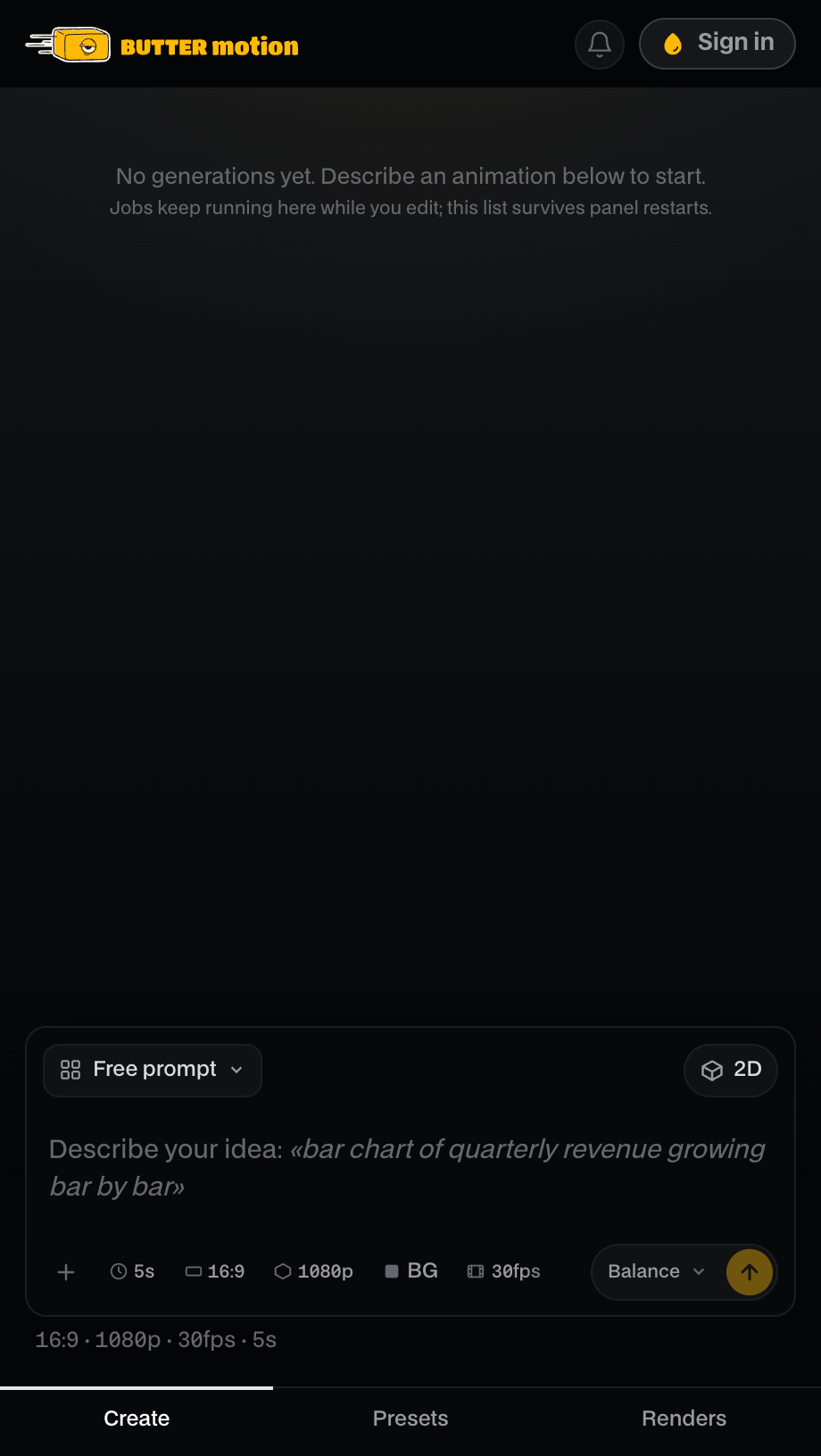
- In the panel, click Sign in. The panel opens your browser and shows Waiting for the browser…. If the browser didn't open, Open the page again tries once more, and Manually copies the link. The Sign in chip in the panel header leads to the same place: its menu has a Sign in via browser button.
- Your browser opens the activation page with a code already filled in. If you're not logged into the website yet, log in first, with your password or a 6-digit code sent to your email.
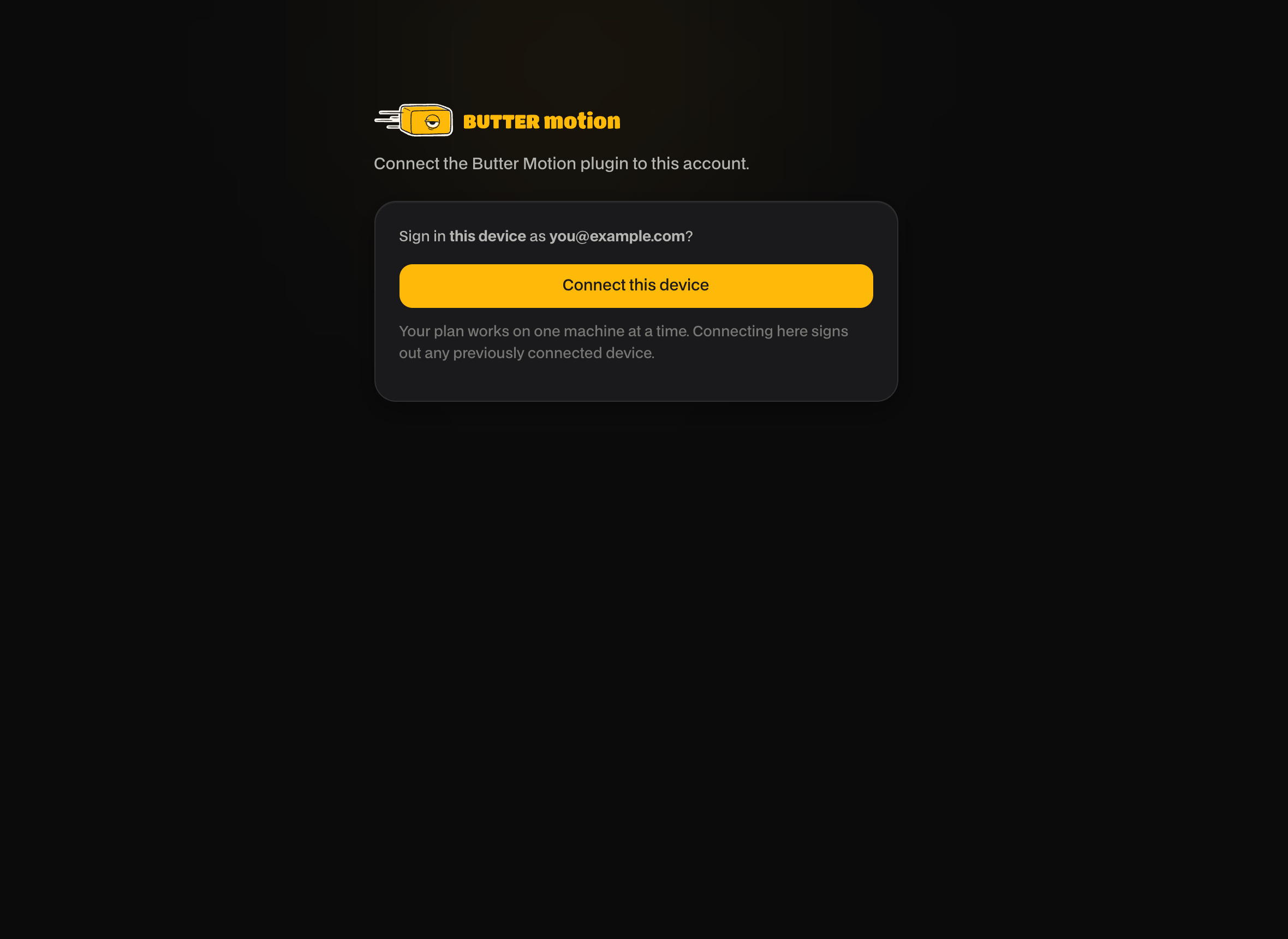
- Check that the account shown is yours, then click Connect this device.
- Back in Premiere, the panel finishes connecting on its own, with nothing to copy by hand.
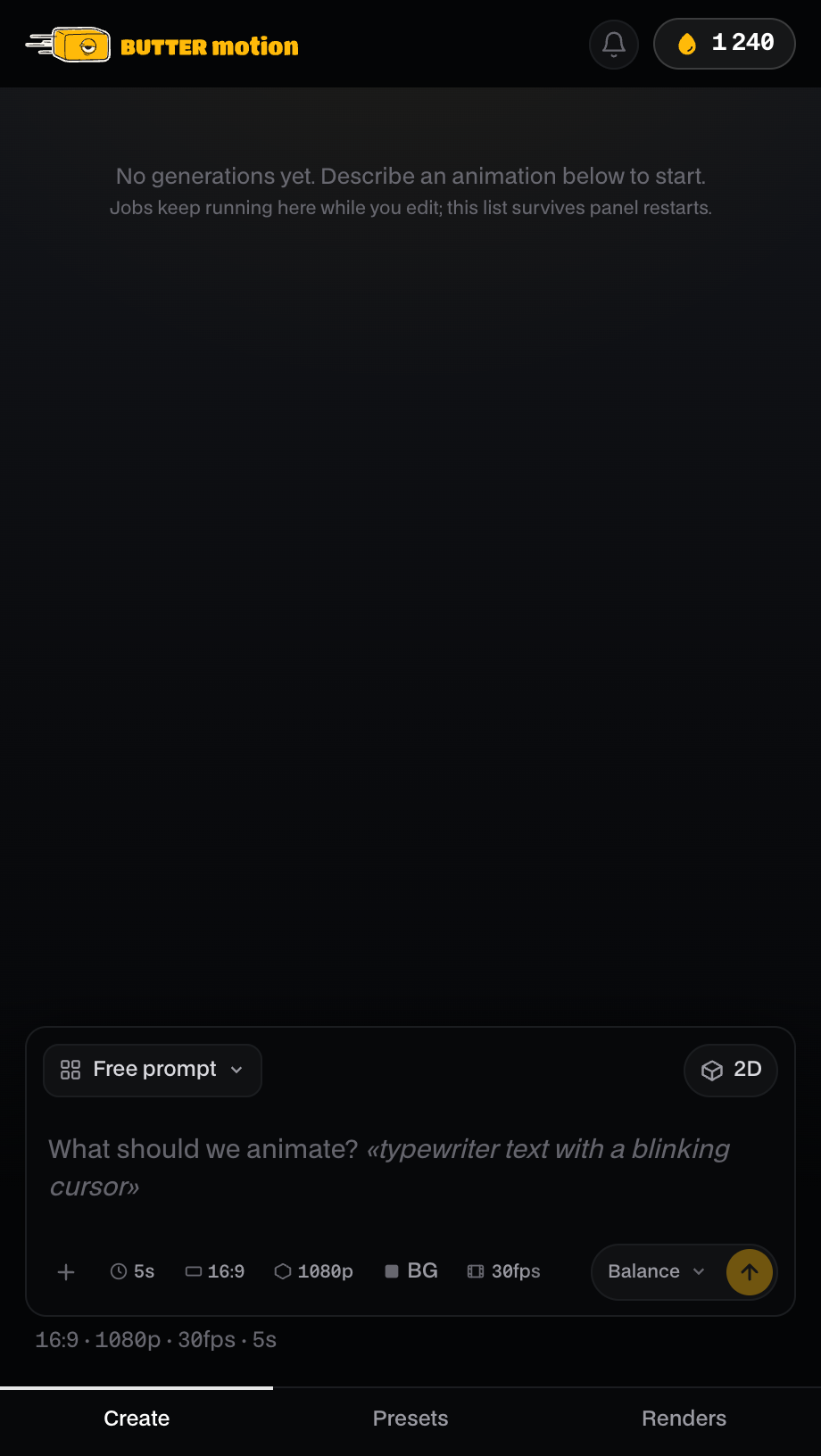
You're in. Head to Your first generation.
No account yet?
If there's no account for your email, the site says Account {email} not found. and offers Create a free account. It opens the Free plan sign-up for that email: no card, 50 credits every month. Create the account, then sign in with the code from your email and connect the device as above. The panel's sign-in menu has the same Create a free account button. See Plans: Free, Pro & Studio.
Codes and how long they last
- The device code in the link the panel opens is valid for 10 minutes. If it expires before you confirm, click Sign in again for a fresh one.
- A login code sent to your email (if you sign in with a code instead of a password) is valid for 15 minutes.
Once connected, the panel stays signed in for 30 days before you need to sign in again.
One device at a time
Your plan works on one machine at a time. Connecting the panel on a new computer signs out the previously connected one, and the old device stops working right away.
This is normal and expected. If you move between two computers, just sign in again on the one you're using. You don't lose anything. To see or manage your connected device, see Devices.