Opening the panel in Premiere
Once Butter Motion is installed, it lives as a panel inside Premiere Pro. Here's how to open it.
Open the panel
- Launch Adobe Premiere Pro and open (or create) a project.
- In the top menu, go to Window → Extensions → Butter Motion.
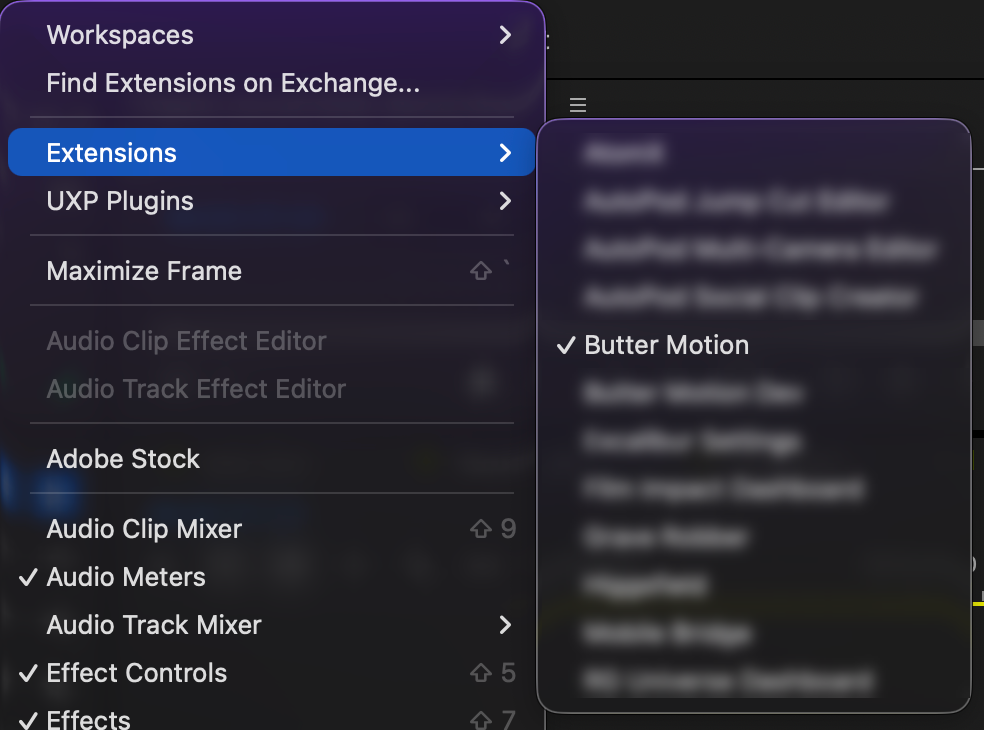
- The panel opens as a dockable window. Drag it wherever you like it, alongside your other panels, and Premiere will remember the spot.
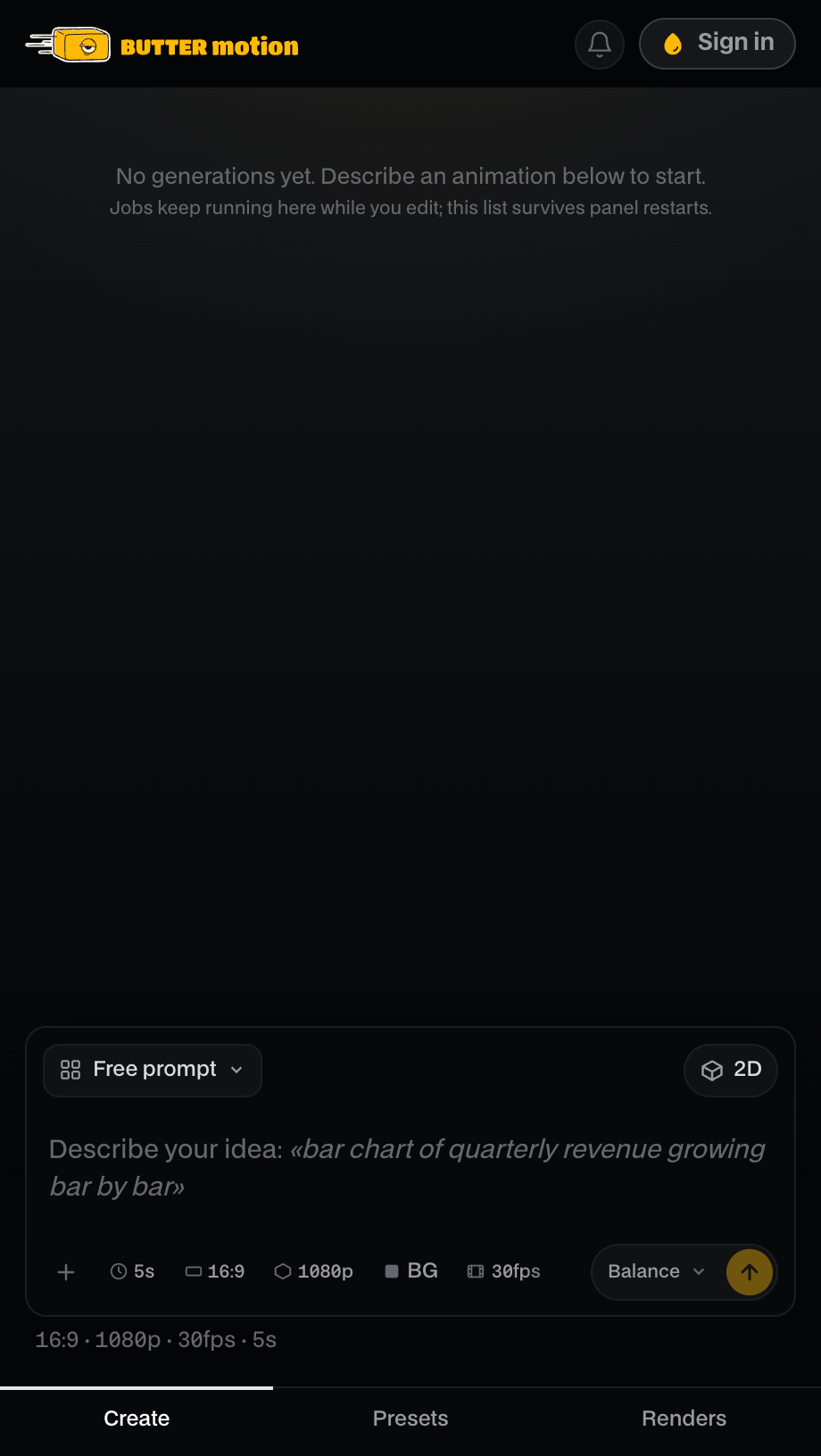
If you signed in inside the Butter Motion app before installing, the panel opens already signed in, you'll see your credits balance instead. If you see Welcome to Butter Motion with a Sign in button instead, that just means you need to sign in again. See Sign in & connect a device.
If Butter Motion isn't in the Extensions menu
If you don't see Butter Motion under Window → Extensions:
- Fully quit and reopen Premiere. The panel only registers after a complete restart, not just closing the project window.
- Make sure the install finished. Open the Butter Motion app and reinstall if you're not sure.
If it's still missing after a restart, follow Panel missing in Premiere for the full fix.