Your account page
The Account tab in your account area is the summary of who you are and what plan you're on. It shows your current plan, your email, your sign-in status, and the entry points to change any of them.
Plan and renewal
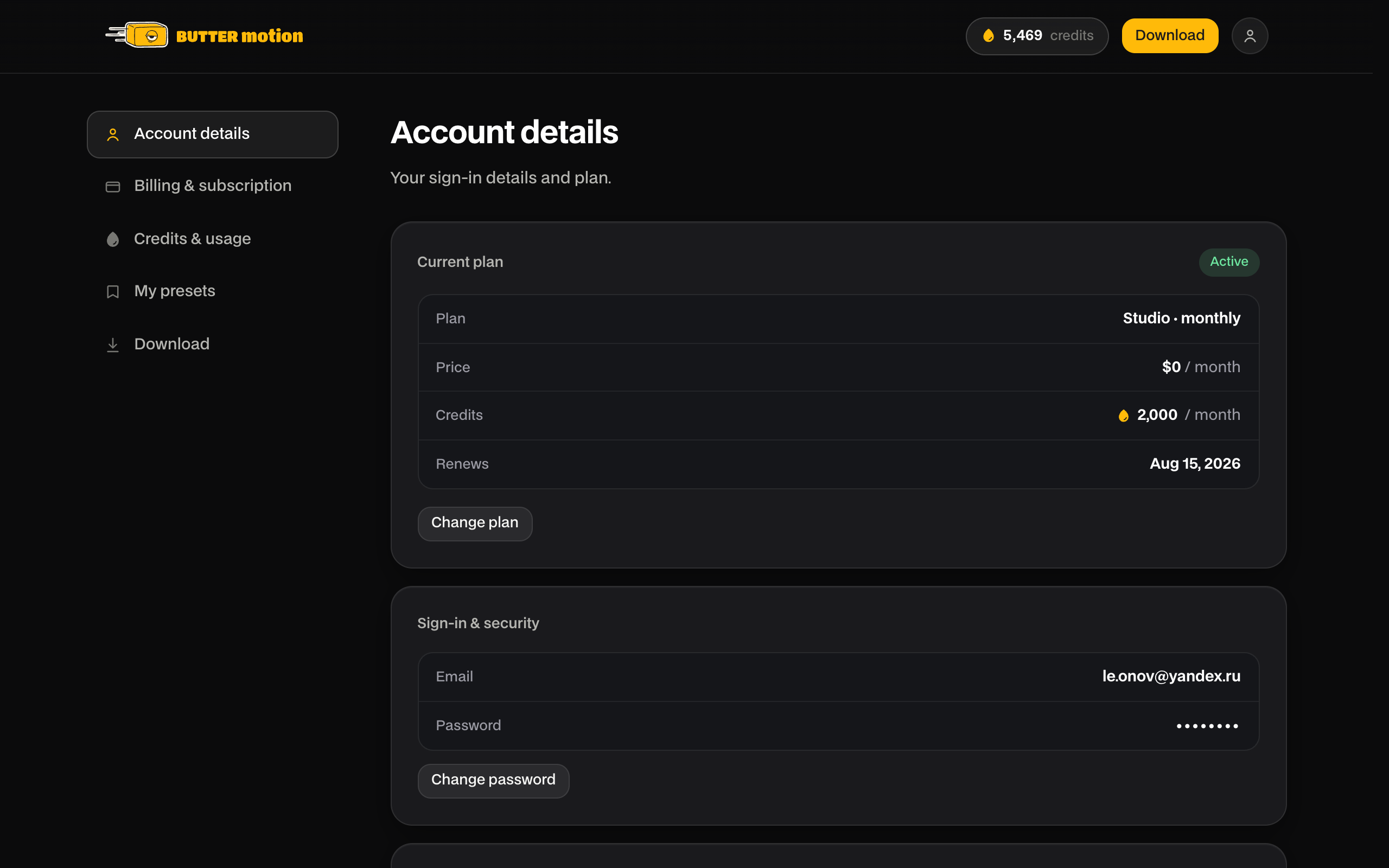
At the top you'll find your current plan with a status badge: Active while it's running, or Ends {date} if you've turned off auto-renewal. Alongside it you see the plan's price, the credits it grants per month, and the renewal date (or the date access runs out).
On Free the block shows 50 / month and, in place of a renewal date, Next 50 credits with the date they arrive. There's nothing to pay or renew, and the Upgrade to Pro button takes you to the paid plans. If you've cancelled Pro or Studio, a line under the block says when you'll move to Free: After {date}, you'll move to Free: 50 credits every 30 days.
On Pro and Studio the block has two buttons: Change plan takes you to the plans on Billing & subscription, and Cancel subscription starts the cancellation. How that works is covered in Renewal, cancellation & resuming.
For live prices in your currency, check the pricing section.
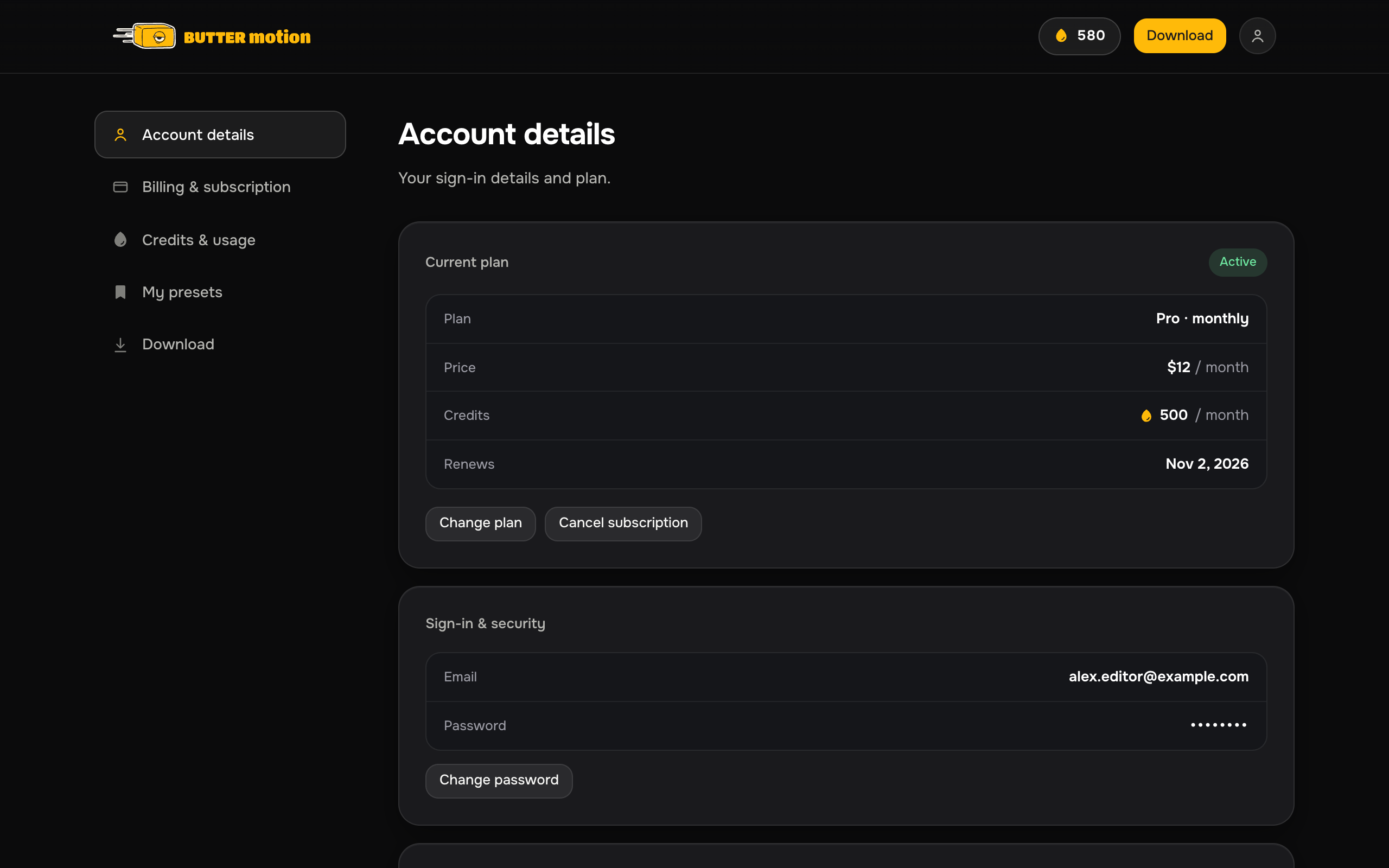
Change your plan
Moving from Free to Pro or Studio, switching between Pro and Studio, or between monthly and annual, is done on the Billing & subscription page. Upgrades take effect right away. Downgrades are scheduled and keep your current plan until the end of the paid period. Free itself can't be cancelled: it's the base plan of every account. See Switching plans & periods for the details.
Your email is shown here as well. It's the address you sign in with and where login codes are sent. It's read-only on this page. To change the email on your account, contact support@buttermotion.com.
News and offers
The Product news and offers switch turns Butter Motion news and offers on and off: emails about updates, new features and promotions. Before turning them off, the site asks you to confirm. You can also unsubscribe with the link at the bottom of any such email. Account emails like sign-in codes and receipts always arrive.
Sign out on this device
At the bottom of the Account page there's a Sign out on this device row with a Sign out button. It signs you out of your account in this browser, the account area only. Nothing on the account itself changes: your presets, history and credits stay where they are.
This is not the same as disconnecting the plugin. Signing out here ends your web session in this browser. The Butter Motion panel on your computers keeps running. To release a plugin device, use Connected devices below.
Connected devices
The Connected devices section lists the machines where the plugin is currently connected. Because Butter Motion works on one machine at a time, this is usually just one. Sign out all devices clears them all at once, handy before moving to another computer.
See Devices for how the one-device rule works.
Deleting your account
At the bottom of the Account page there is a Delete account card. Requesting deletion sends your request to the team: you'll get a confirmation email, and the account is then erased manually.
Changed your mind? You don't need to write to anyone. While the request is open, a Deletion requested banner sits at the top of both the Account and the Billing & subscription pages, with a Cancel request button. One click withdraws the request and the banner disappears.
What deletion actually does. Your personal data goes: email, password, payment link, devices and saved presets. The subscription is cancelled and any remaining credits are burned. What stays in our books is anonymised accounting, meaning what was paid and how many generations were run. That is the amount, the date and the model, with nothing tying it back to you. We need that for tax and reporting, and it cannot identify a person. Your email address is freed up, so you can start a fresh account later if you want.