Install on macOS
The Butter Motion app installs the plugin into Premiere for you, there's no separate plugin download.
Before you start
- Quit Adobe Premiere Pro if it's open. You'll reopen it at the end.
- Make sure your Mac meets the system requirements.
- Make sure you have room: it needs about 1.2 GB free at minimum, more for a bigger download.
Steps
- Download the Butter Motion app for macOS from your account's Downloads page. It's a
.dmgfile.
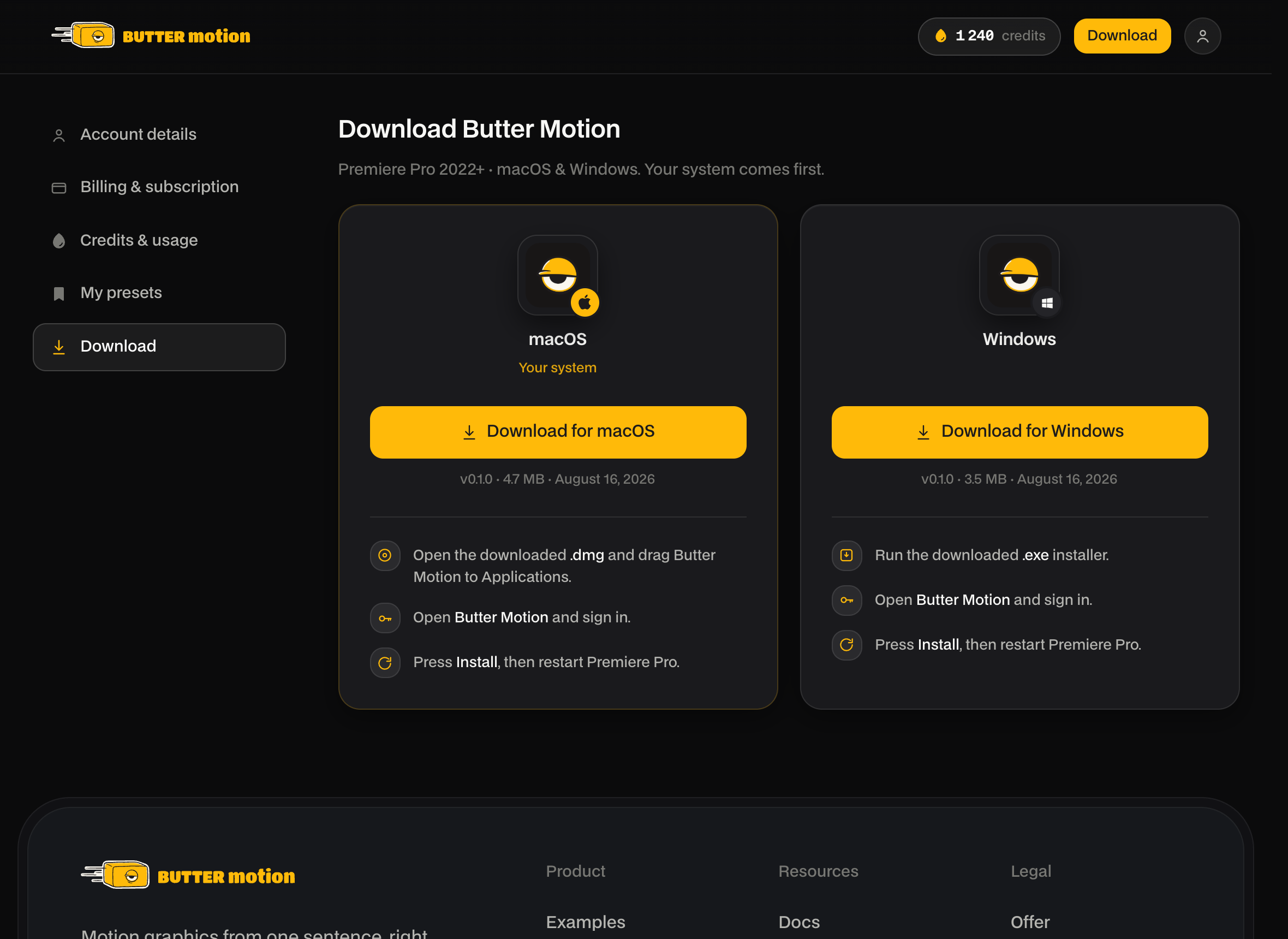
- Open the
.dmgand drag Butter Motion into Applications.
- Open Butter Motion from Applications.
- The app opens on a Sign in screen. Click Sign in via browser, approve this computer in the browser tab that opens, and come back to the app.
- Click Install. The app downloads and sets up the plugin inside Premiere, moving through stages from Downloading to Starting.
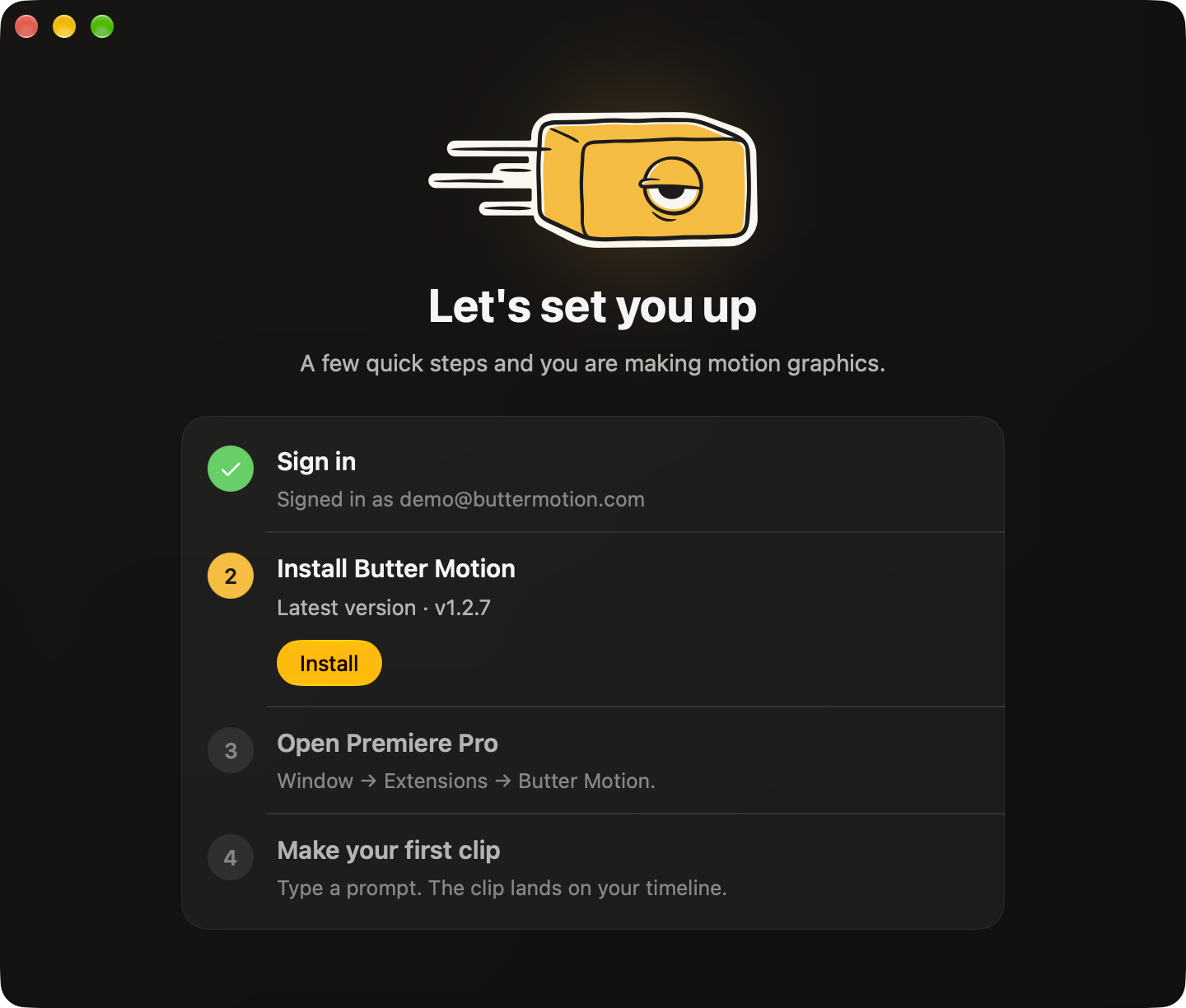
- When the app shows Everything's ready, restart Adobe Premiere Pro. The panel only appears after a full restart of Premiere.
Check that it worked
After installing, open the panel in Premiere:
- Open the panel in Premiere via Window → Extensions → Butter Motion. Since you signed in inside the app, the panel should already be signed in. If it isn't, use its own Sign in via browser button, see Sign in & connect a device.
If the panel doesn't show up, quit Premiere completely and reopen it. If it's still missing, see Panel missing in Premiere.